Apps & Extensions
Protection at Your Fingertips
Protect yourself and your organization from cybercrime by using Netcraft’s family of apps and extensions for your browser, phone, and email client.
BROWSER PROTECTION
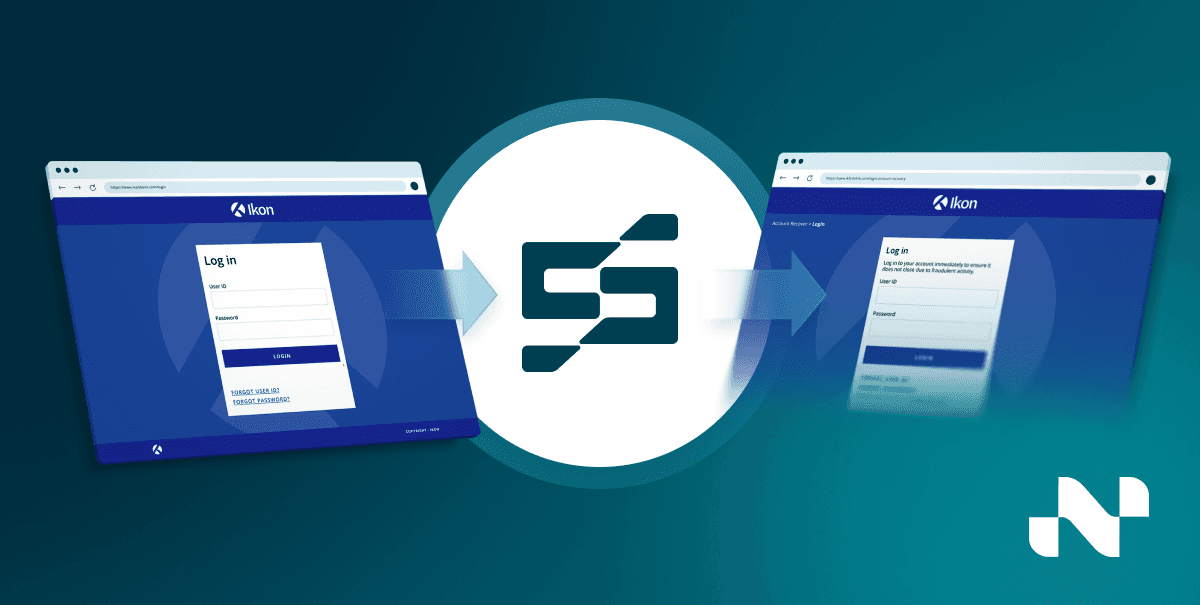
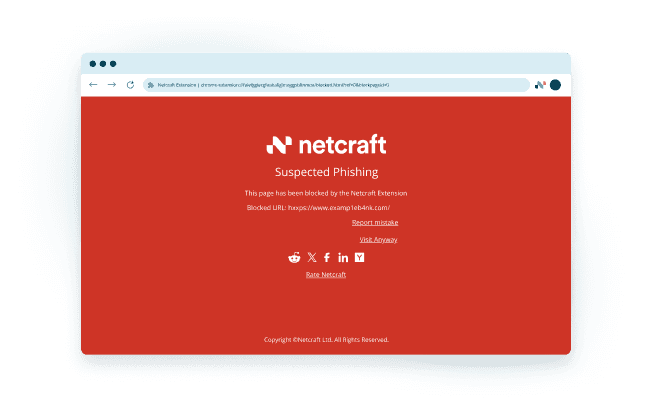
Netcraft’s free browser extension provides real-time enhanced protection from malicious sites defending you from phishing, fake shops, and malicious scripts such as JavaScript skimmers and cryptocurrency miners.
The browser extension works with all major browsers, including Chrome, Firefox, Edge, and Opera.
MOBILE PROTECTION
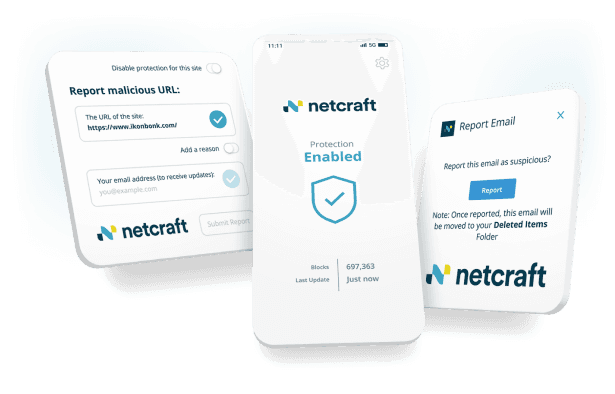
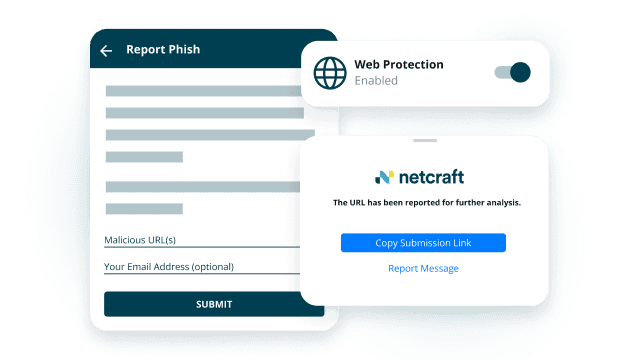
Two-thirds of phishing attacks target mobile users via email and SMS. Many mobile browsers lack complete phishing protection. The Netcraft app extends desktop-level security to your smartphone, instantly blocking new threats. Quickly report suspicious sites and track their status directly within the app. Stay protected wherever you browse.
EMAIL PROTECTION
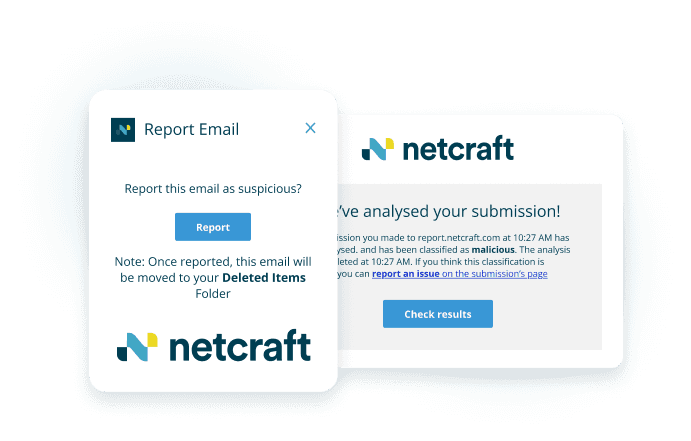
Netcraft’s free email extension allows you to submit suspicious emails to the Netcraft service at the click of a button. All emails are automatically analyzed and validated phishing sites will be blocked in Netcraft’s malicious site feeds, protecting millions of other users from online harms.
The extension runs on Outlook desktop, Outlook Web App, and Gmail.
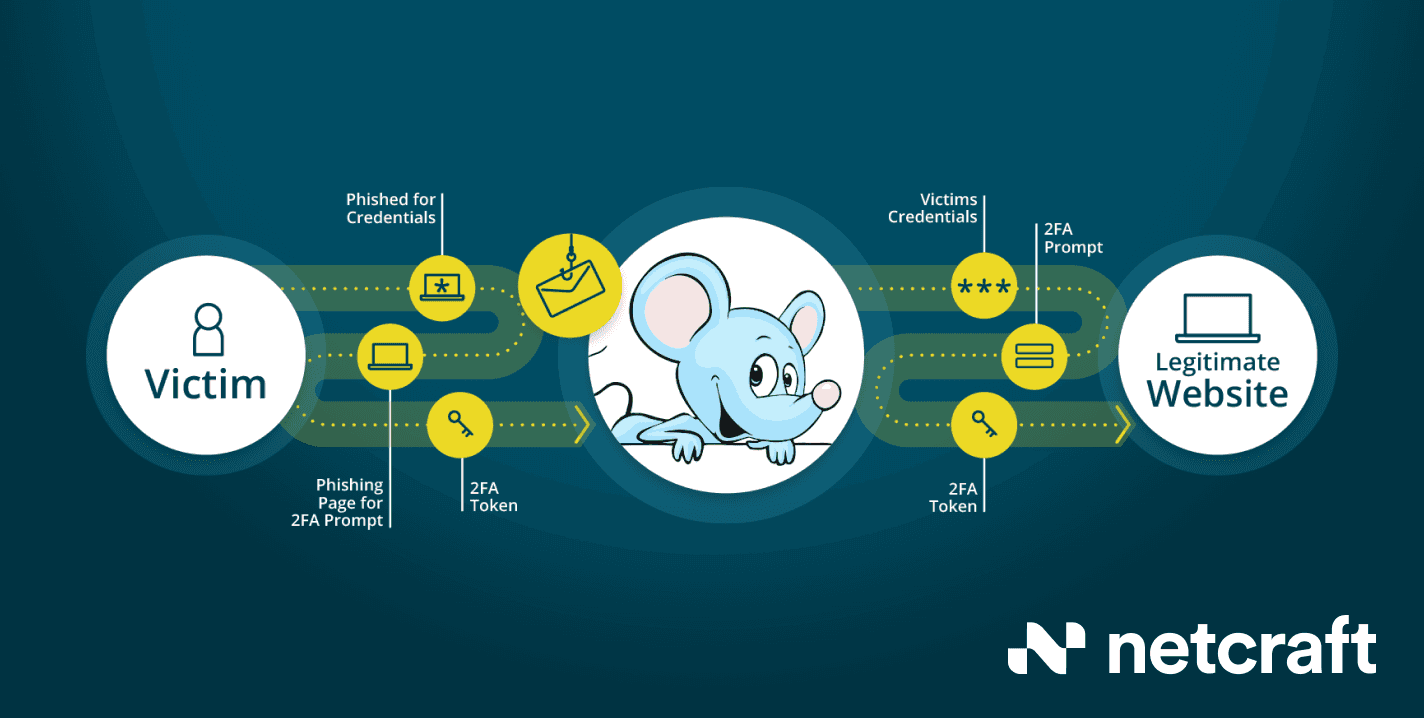
Protection Against a Wide Range of Attacks
Protect yourself and your organization from cybercrime by using Netcraft’s family of apps and extensions for your browser, phone, and email client.